
Introduction: The Next Frontier of Business Innovation
Imagine a world where your employees can practice complex tasks without any risk, where training is faster, more engaging, and cost-effective. Sounds futuristic, right? Well, that future is here, thanks to Virtual Reality (VR).
VR is no longer just for gamers. It’s transforming businesses by improving training, operations, and collaboration. In this guide, we’ll show you how to bring VR into your business step by step.
1. The Business Case for VR: A ROI-Driven Approach
1.1 Core Benefits of VR Training (The Why)
Virtual Reality offers several advantages that traditional methods can’t match. Here’s why businesses are adopting it:
| Benefit | How It Helps |
| Immersive Learning | Employees get a hands-on experience, making training more engaging and effective. |
| Safety & Risk-Free | Workers can practice dangerous tasks (e.g., operating machinery) in a safe space. |
| Cost & Time Efficiency | Saves money on travel, equipment, and venues while reducing training time. |
Let’s break these down:
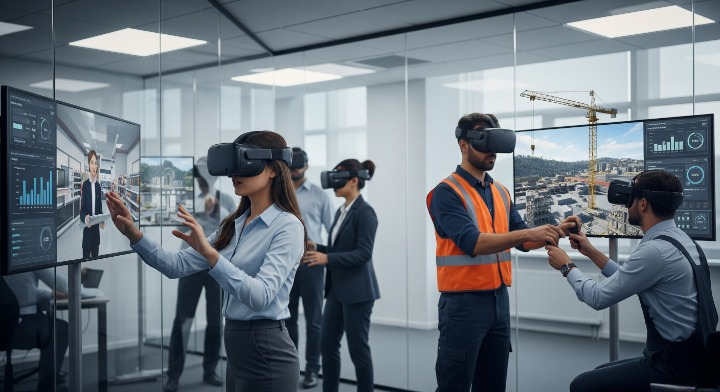
- Immersive Learning: VR creates a realistic environment where employees can learn by doing. For example, a new hire can practice customer interactions in a virtual store, boosting their confidence and skills.
- Safety and Risk-Free Simulation: Imagine training a construction worker to operate a crane. In VR, they can practice without any real-world risks. This is especially useful for industries like healthcare, manufacturing, and emergency response.
- Cost and Time Efficiency: VR eliminates the need for physical training spaces and travel. Plus, it reduces the time employees spend in training, allowing them to get back to work faster.
1.2 The ROI: Quantifiable Metrics for Success
How do you measure the success of VR training? Here are some key metrics:
| Metric | What to Measure |
| Reduced Training Time | Track how many hours are saved per employee. |
| Increased Productivity | Measure performance improvements after training. |
| Fewer Errors/Accidents | Count the reduction in workplace incidents. |
| Knowledge Retention | Use pre- and post-training tests to see how much employees remember. |
For example, a company using VR for safety training might see a 30% drop in workplace accidents. That’s a clear return on investment!
2. Top VR Applications: Beyond Training
VR isn’t just for training. It’s revolutionizing other areas of business too.
2.1 VR Training in Action
Here are some industries where VR is making a big impact:
| Industry | Examples of VR Use |
| Healthcare | Surgical training, patient empathy simulations. |
| Manufacturing | Equipment maintenance, safety protocols. |
| Retail | Customer service training, virtual shopping experiences. |
- Healthcare: Doctors can practice surgeries in VR, improving their skills without risking patient safety.
- Manufacturing: Workers can learn to operate machinery or follow safety protocols in a virtual factory.
- Retail: Employees can practice handling customer complaints or upselling products in a virtual store.
2.2 New Frontier: VR for Soft Skills
Soft skills like communication and leadership are hard to teach. But VR makes it easier. For example:
- Public Speaking: Employees can practice giving presentations in a virtual conference room.
- Leadership Training: Managers can learn how to handle difficult conversations with team members.
Case Study: A Fortune 500 company used VR to improve public speaking confidence by 30%. Employees practiced in a virtual auditorium, receiving real-time feedback on their tone and body language.
2.3 Other Business Applications
VR isn’t just for training. Here are some other ways businesses are using it:
| Application | How It Works |
| Product Design | Teams can create and test virtual prototypes before manufacturing. |
| Marketing & Sales | Customers can explore products in virtual showrooms. |
| Remote Collaboration | Teams can meet in virtual spaces, no matter where they are in the world. |
For example, an automotive company can use VR to design a car, test it virtually, and make changes before building a physical prototype. This saves time and money.
3. A Practical Roadmap for Implementation: Your Step-by-Step Guide
Ready to bring VR into your business? Follow these steps:
3.1 Phase 1: Planning and Strategy
- Define Your Goals: What do you want to achieve with VR? Better training? Improved collaboration?
- Get Stakeholder Buy-In: Show decision-makers the benefits and ROI of VR.
3.2 Phase 2: Choosing Your Technology Stack
| Option | Pros | Cons |
| Standalone Headsets | Affordable, easy to use (e.g., Meta Quest 3). | Limited graphics and processing power. |
| PC-Tethered Headsets | High-quality visuals and performance. | Expensive and requires a powerful computer. |
You’ll also need to decide on software. Do you want an off-the-shelf solution, custom development, or a mix of both?
3.3 Phase 3: Content Development & Pilot Program
- In-House vs. Outsourced: Decide whether to create VR content yourself or hire experts.
- In-house gives you control but requires skills.
- Outsourcing is faster but can be costly.
- Start Small: Test VR with a pilot program. Gather feedback and make improvements before scaling up.
3.4 Phase 4: Deployment & Scaling
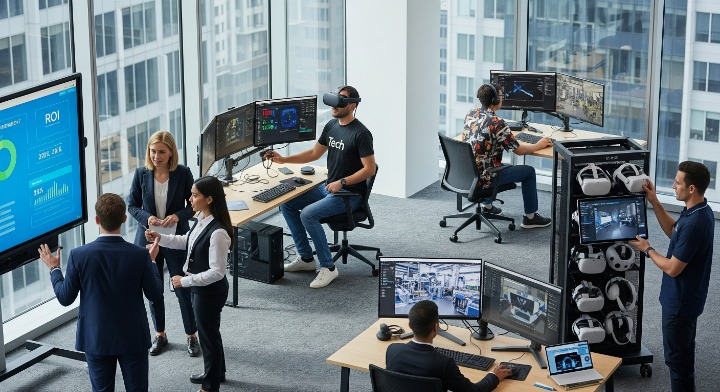
- Device Management: Use software to manage multiple headsets, update content remotely, and ensure devices are sanitized.
- Integration: Connect VR tools with your existing systems, like Learning Management Systems (LMS).
4. The Future of VR in Business: What’s Next?
4.1 The Role of 5G Technology
5G will make VR even better by enabling faster, cloud-based experiences. This means businesses can run complex VR simulations without expensive hardware.
4.2 Emerging Trends
- Haptic Feedback: Gloves and suits that let users “feel” virtual objects.
- AI-Powered Trainers: Virtual coaches that provide personalized feedback.
- Enterprise Metaverse: Virtual worlds where businesses can operate and collaborate.
4.3 Overcoming Obstacles
VR isn’t perfect. Common challenges include:
| Challenge | Solution |
| High Costs | Start small with a pilot program to prove ROI. |
| User Comfort | Choose lightweight, ergonomic headsets. |
Conclusion: Preparing Your Business for an Immersive Future
Virtual Reality is more than a trend—it’s a game-changer. By adopting VR, your business can improve training, cut costs, and stay ahead of the competition.
Final Thought: The future is immersive. Don’t wait—start exploring VR today to unlock its full potential.
Call to Action: Have questions or want to learn more? Download our free VR implementation checklist and take the first step toward innovation!